
 English
  Tiếng Việt
-22%
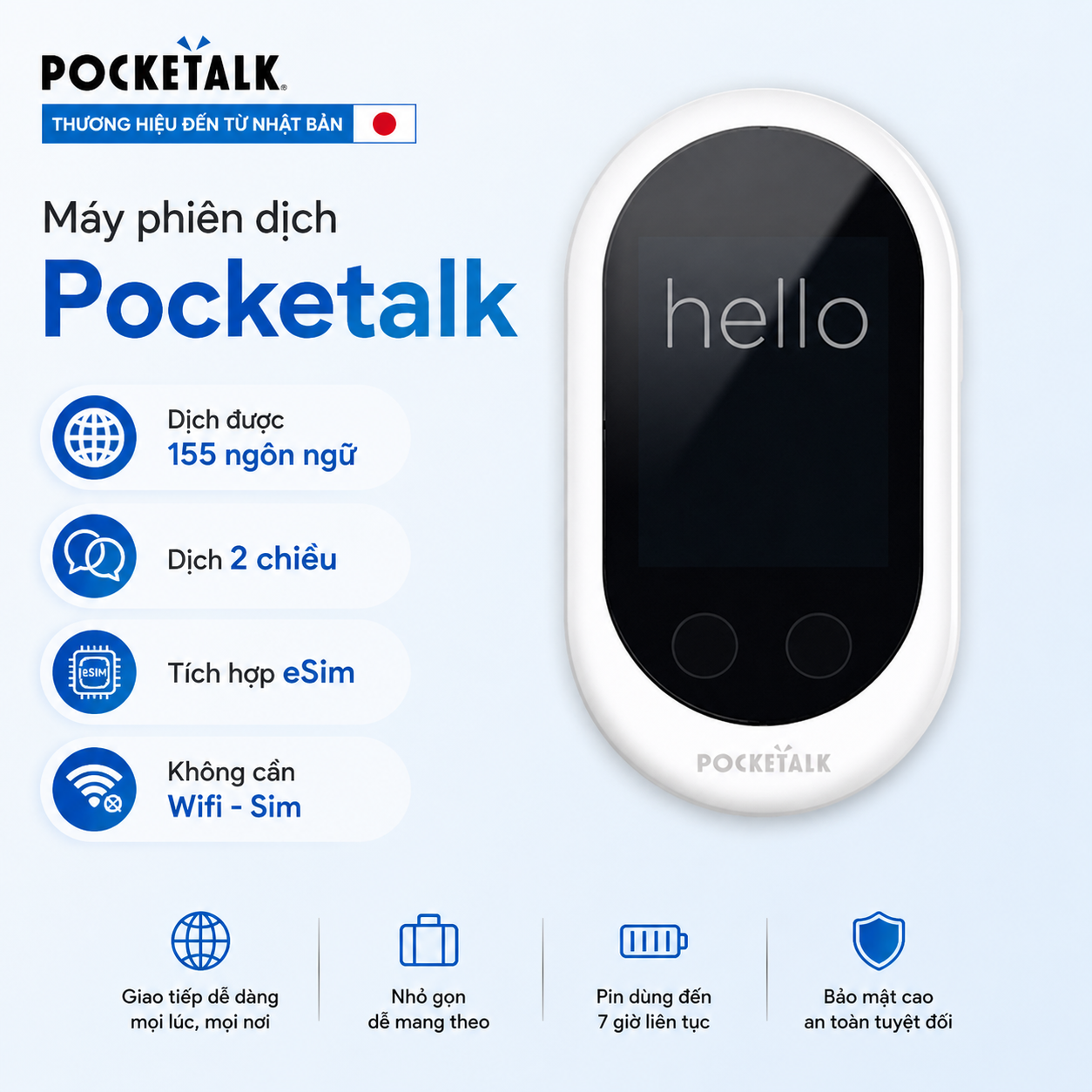
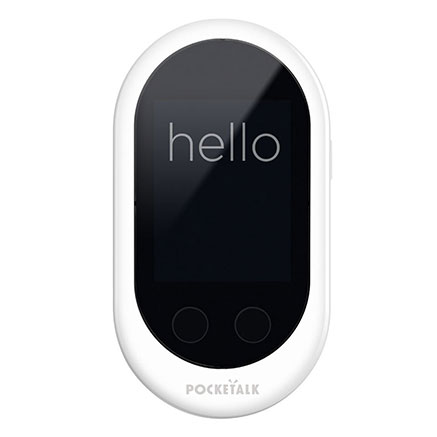
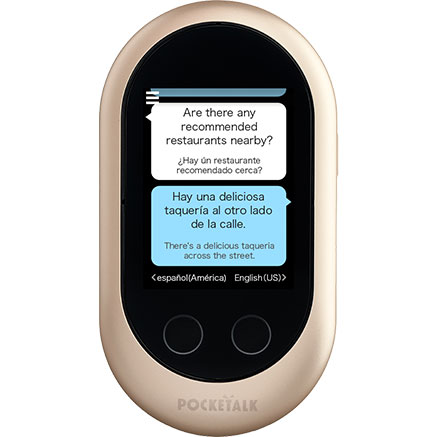
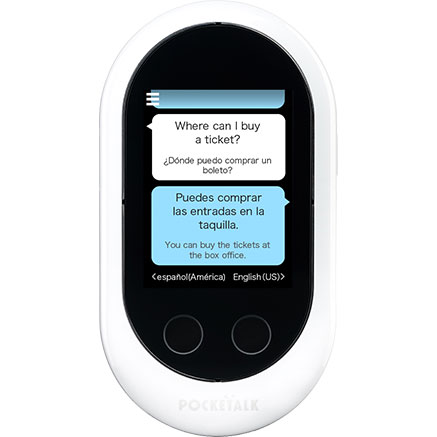
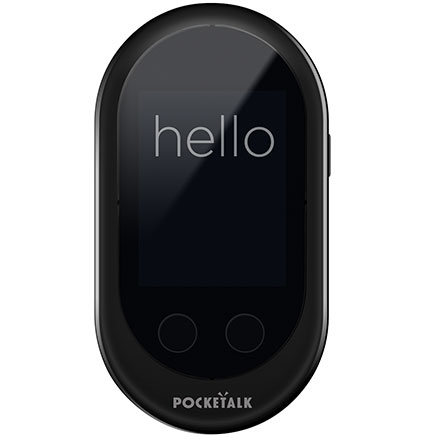
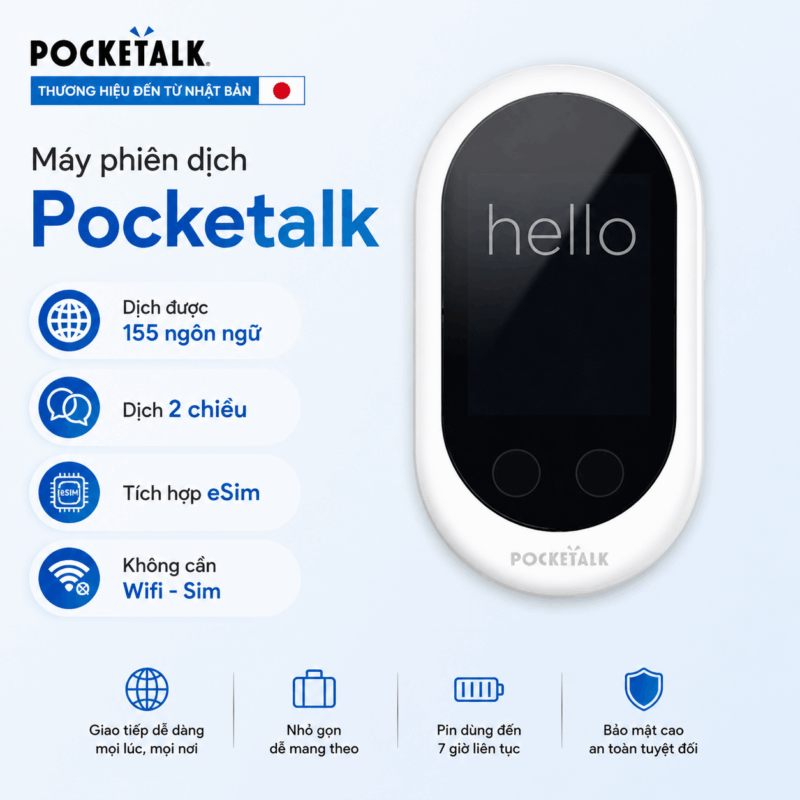
Pocketalk – Smart AI Translator from Japan Supporting 155 Languages, No Internet Required
Price :
4,990,000đ
6,400,000đ
Save: 22%
Test before payment
1-for-1 immediate exchange – Hand delivery – 12-month warranty
Sold: 644
- Two-way multi-language translation, fast, instant processing
- Operates without WiFi in 133 countries
- Integrated eSIM for 2 years global use, no SIM card needed
- 2200mAh battery, dual speakers, clear noise-canceling microphone
- Bluetooth supported, suitable for studying, meetings, travel
Product review video


Product currently available at
Hồ Chí Minh: No. 137 Hoa Hung Street, Ward 12, District 10 (Near Dan Chu Roundabout) 0386.002.002 View Map
Hanoi:226 Lang Street - Dong Da (Near Nga Tu So) 0917.834.532 View Map
🚀 Delivery within1 hourin HN & HCM
PROMOTION
- Free2-year usable eSIMworldwide without needing WiFi connection or a 4G SIM card
Product certification & reputation
Certified & licensed by reputable organizations domestically and internationally
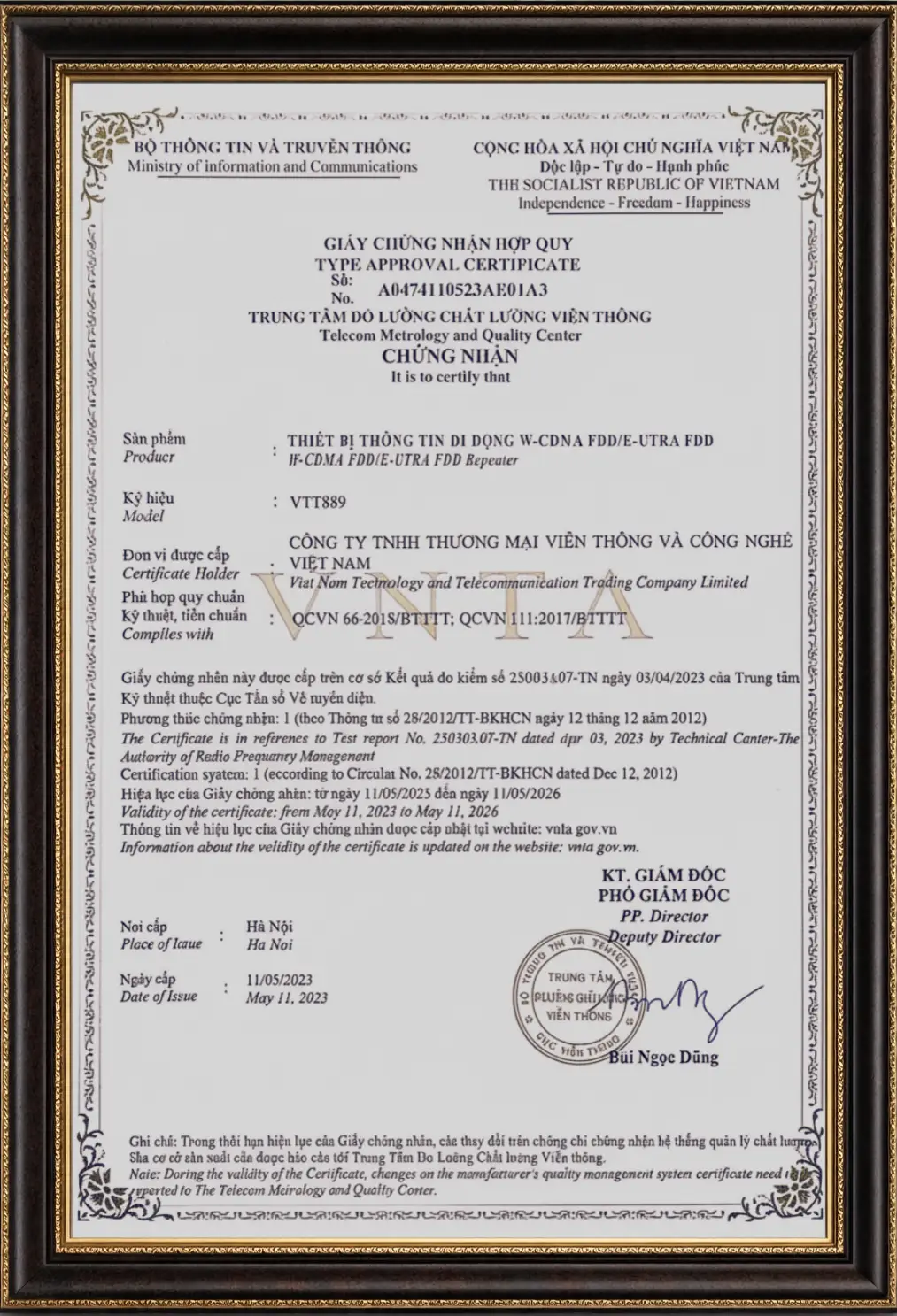
Ministry of Information and Communications Certification
Vtalk Translation Device is certified for conformity by the Ministry of Information and Communications of Vietnam!
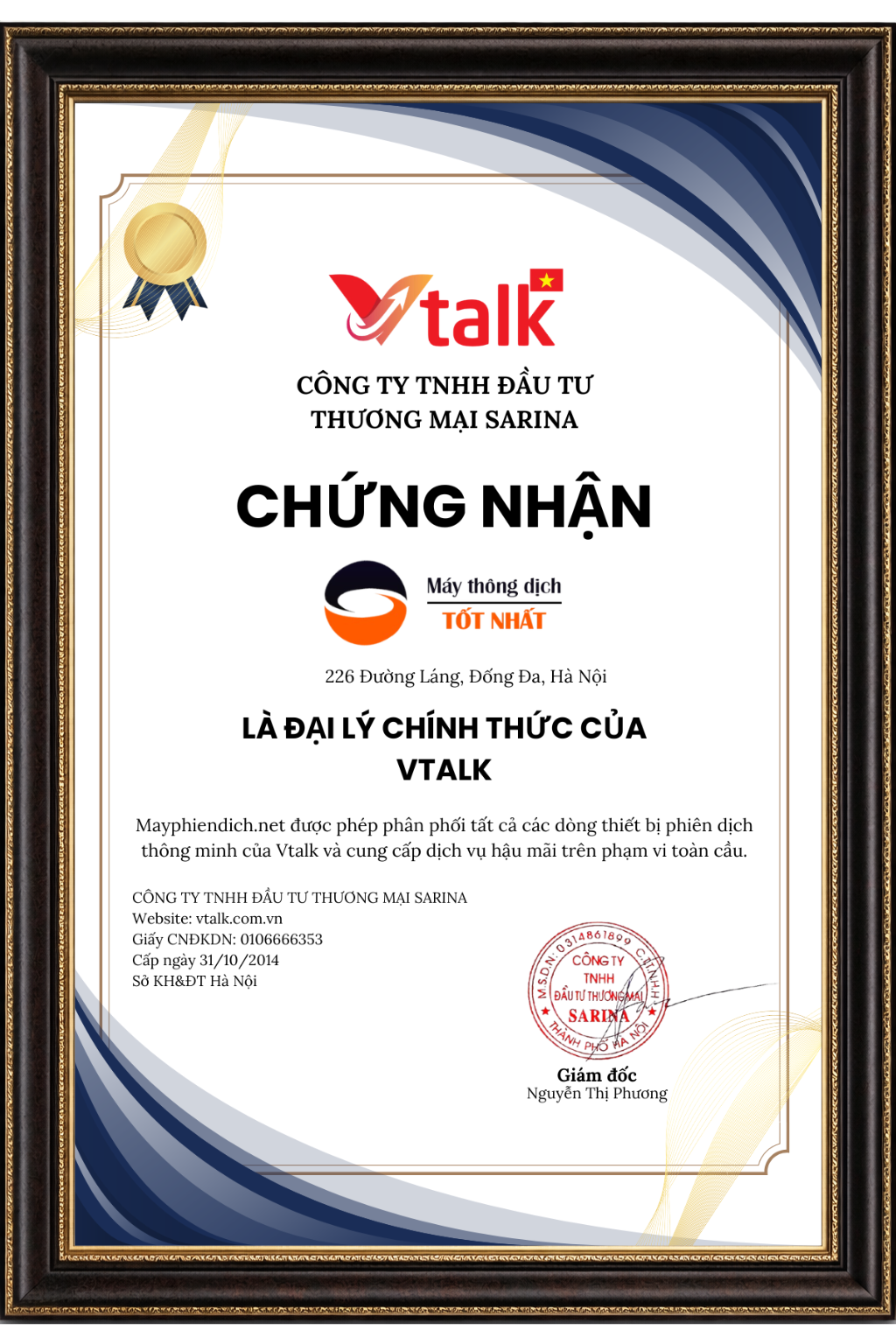
Vtalk Exclusive Distributor
Translator . Net - Exclusive Distributor of Vtalk Brand in Vietnam
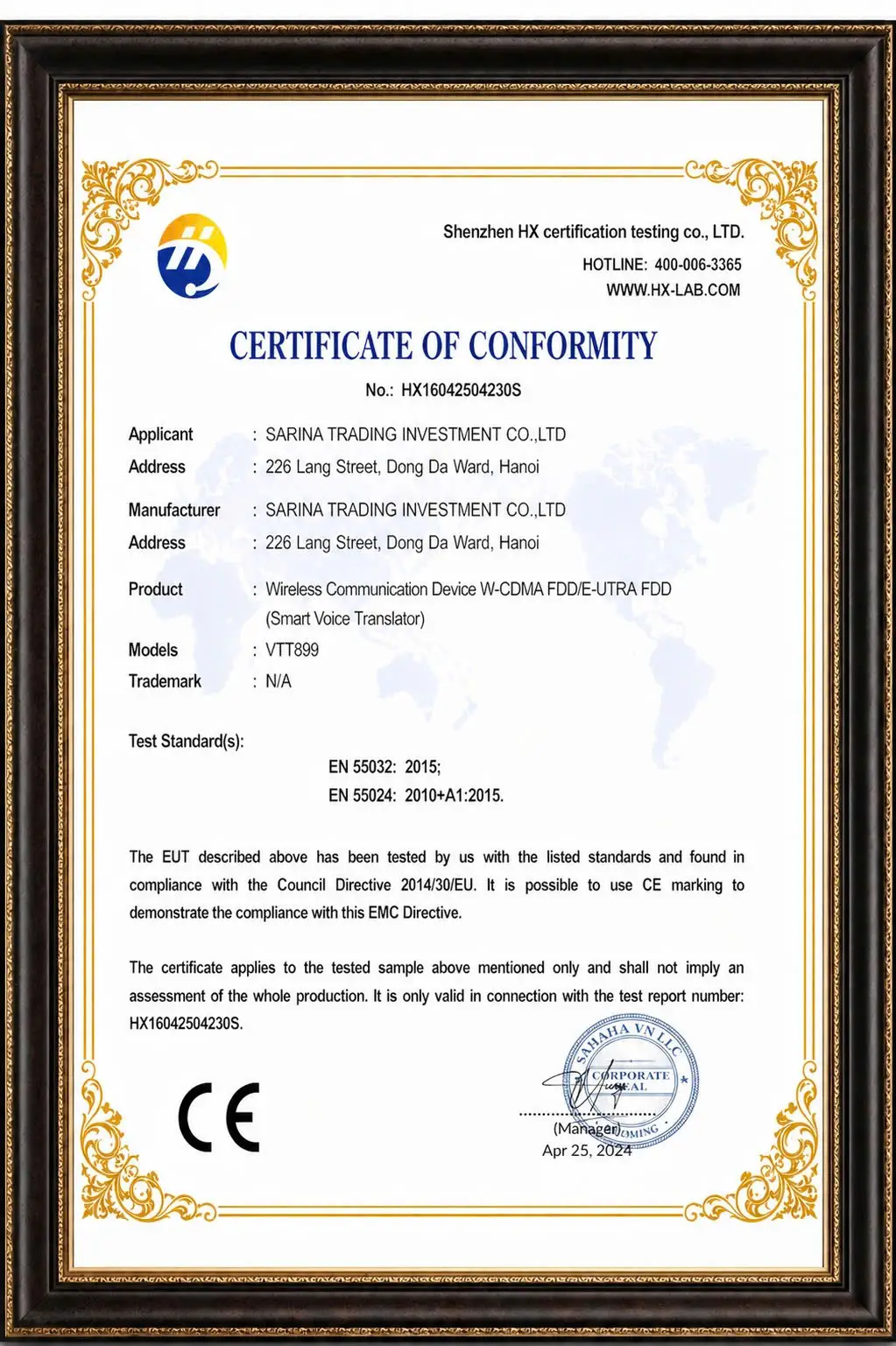
International CE Certification
Vtalk Translator meets international quality standards
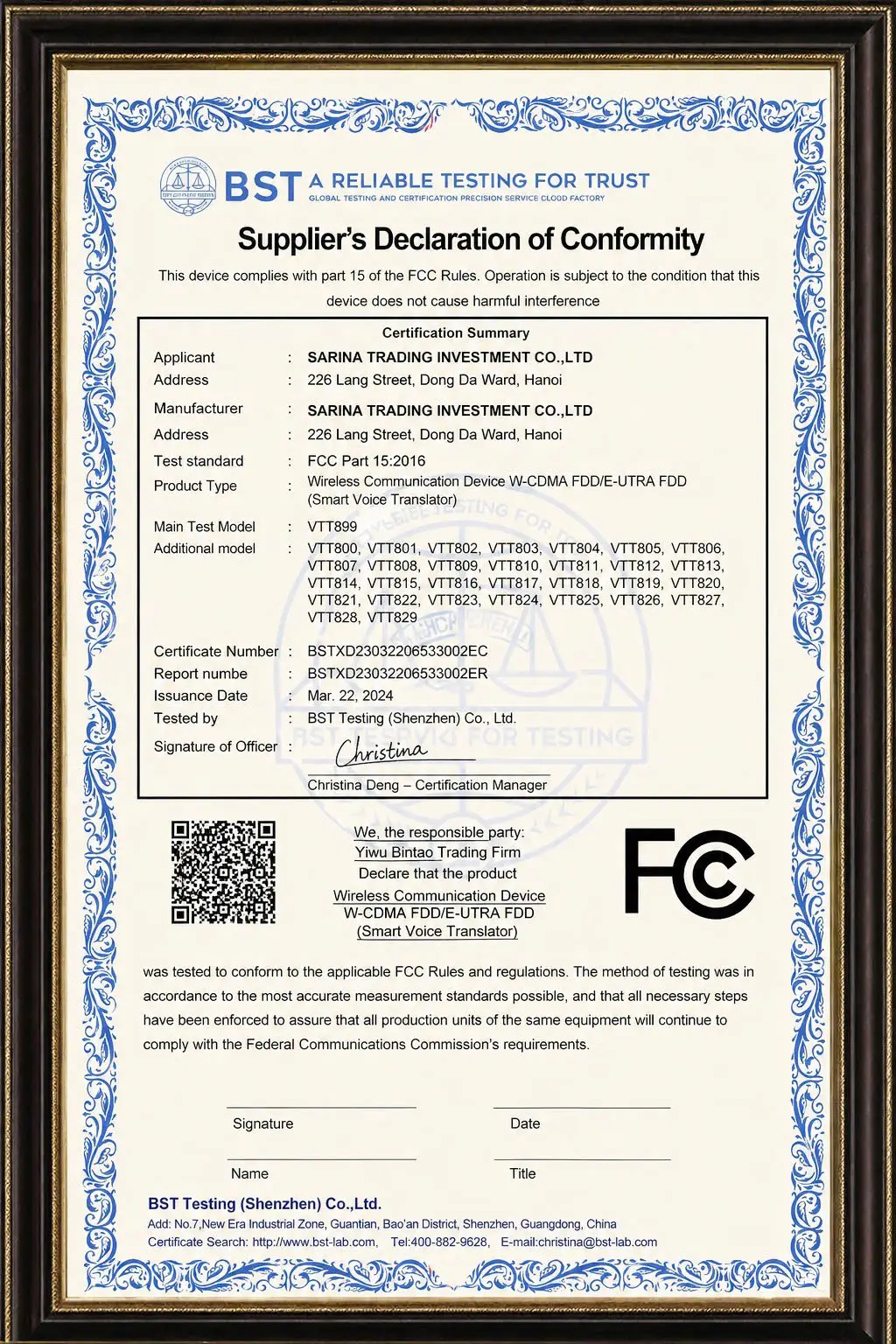
International FC Certification
Vtalk Translator meets international quality standards
Ministry of Information and Communications Certification
Vtalk Translation Device is certified for conformity by the Ministry of Information and Communications of Vietnam!
Vtalk Exclusive Distributor
Translator . Net - Exclusive Distributor of Vtalk Brand in Vietnam
International CE Certification
Vtalk Translator meets international quality standards
International FC Certification
Vtalk Translator meets international quality standards
16 Comments


I use Pocketalk, I find it translates both ways quite fast, convenient for communication




I find it processes quickly, translates almost instantly, no long wait


I found that it works in many countries without needing Wi-Fi, quite convenient for traveling


I'm going to Germany in 2 days. If it's available, please help me with urgent delivery to q2, contact number 0917693532.
Pocketalk Translator
Pocketalk Translator is a smart language translation device that helps you communicate easily in many different languages. Compact design, simple operation, suitable for all usage needs.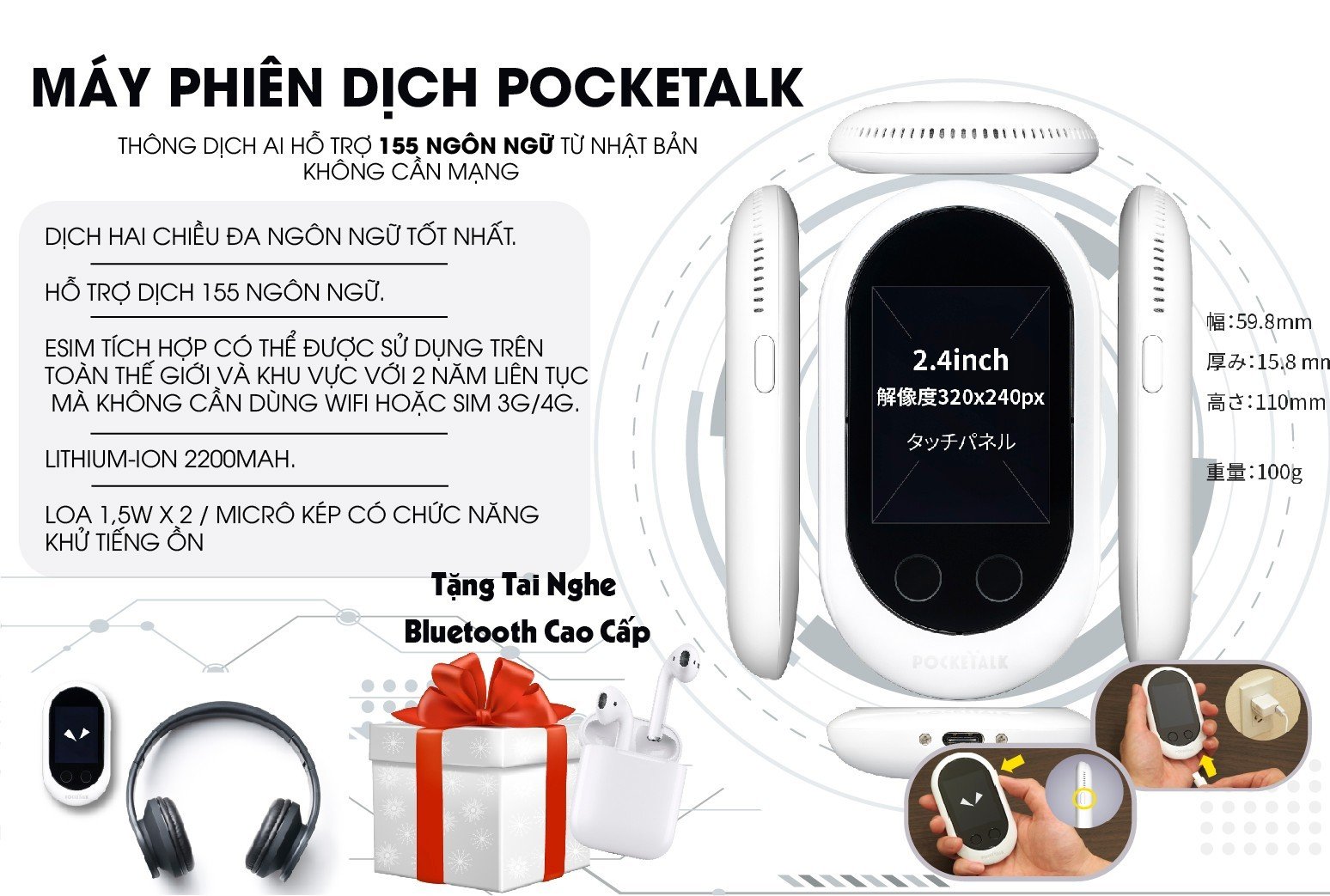
Pocketalk – AI translation device supporting 155 languages, fast 2-way translation, integrated global eSIM, usable without network, compact and convenient to carry anywhere
SourceNext's POCKETALK W is a dream AI translator supporting 105 languages. It is a two-way speech translator that can speak to each other in their own language. Translates to speech and text in 95 languages and text in 10 languages. Check the list of supported languages for details.
Pocketalk Translator translates long sentences with artificial intelligencePockeTalk W Translator can also translate long sentences using artificial intelligence (AI) on the Internet. Because of AI, performance will improve over time.
Video Using Pocketalk Translator to Chat with ForeignersDetailed Review Video of Pocketalk Translator
Fast processing, instant translation
The voice spoken to PockeTalk is transcribed on the Internet and translated, synthesized, and instantly interpreted by the optimized engine.
PockeTalk has a built-in mobile communication function (3G 4G) and can be used in 133 countries and regions without having to buy a SIM or Wi-Fi
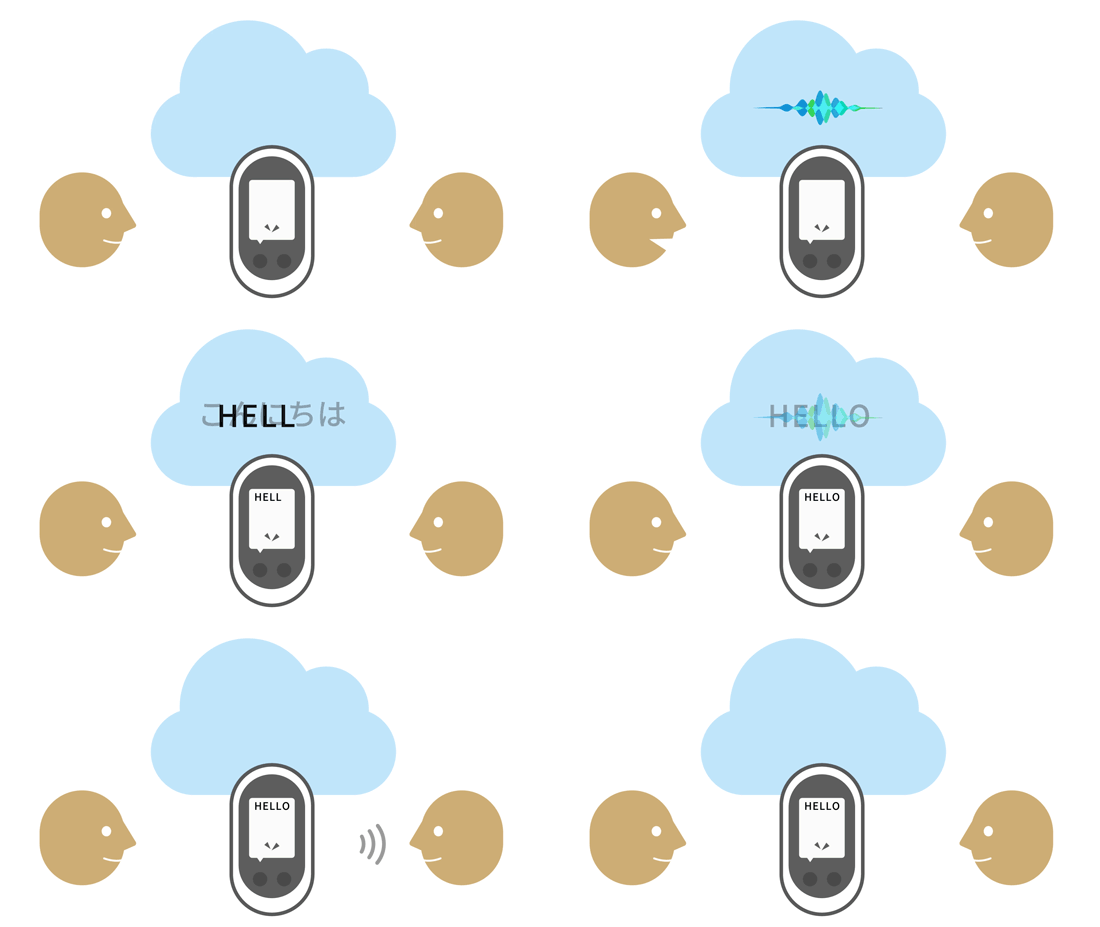
Pocketalk – Communicate easily in hundreds of languages, breaking down all language barriers anywhere
List of 133 countries where it can be used without Wi-Fi or mobile data

Egypt
Portugal
| Isle of Man | Iceland | Isle of Man | Iceland | North Macedonia | New Zealand | Saint Kitts and Nevis | Tunisia |
| Albania | Bosnia and Herzegovina | Cyprus | Ireland | Madagascar | Nicaragua | Saint Lucia | Turkey |
| Andorra | Bulgaria | Germany | Israel | Malaysia | Japan | Saudi Arabia | Australia |
| India | Brazil | Ecuador | Iran | Malta | Oman | Serbia | Ukraine |
| Anguilla | Cambodia | El Salvador | Iraq | Martinique | Panama | Singapore | Uzbekistan |
| Antigua and Barbuda | Canada | Estonia | Indonesia | Mauritius | Paraguay | Slovakia | United Arab Emirates |
| Austria | Cape Verde | French Guiana | Jamaica | Mexico | Peru | Slovenia | Vietnam |
| Argentina | Chile | Georgia | Jordan | Moldova | Finland | Sri Lanka | United Kingdom |
| Armenia | Colombia | Gibraltar | Kazakhstan | Monaco | Philippines | Saint Martin | Italy |
| Azerbaijan | Congo | Guadeloupe | Kenya | Mongolia | Puerto Rico | Saint Vincent and the Grenadines | United States |
| Bahrain | Costa Rica | Guatemala | Kuwait | Montenegro | Qatar | Tajikistan | |
| Poland | Dominican Republic | Greece | Kyrgyzstan | Morocco | Cayman Islands | Tanzania | |
| Barbados | Republic of Fiji | Netherlands | Latvia | Mozambique | Seychelles | Spain | |
| Belarusian | Czech Republic | South Korea | Lithuania | Myanmar | Turks and Caicos Islands | Thailand | |
| Belize | Croatia | Greece | Lithuania | Norway | Romania | Sweden | |
| Belgium | Taiwan | Hong Kong | Luxembourgish | South Africa | Russia | Switzerland | |
| Bolivia | Denmark | Honduras | Macau | Russia | Saint Barthelemy | China |
Common use cases for PockeTall translation devices
Overseas travel
You can communicate in 133 countries and regions without changing settings. It supports 74 languages, translating to speech and text in 55 languages and text in 19 languages.

Pocketalk – Confidently ask for directions, communicate easily with locals thanks to instant translation of 155 languages in just a few seconds
Communicate with customers
Switching languages is very easy, and the high-performance microphone and speaker can comfortably address a crowd.

Business/employee communication
It is also convenient to register frequently used expressions as favorites and to record business exchanges.

Pocketalk – Fluent communication at work, helping you connect and exchange with international partners easily
For studying
You can quickly find the expressions you want to know in the language and check whether the pronunciation is recognized correctly.

Pocketalk – Effective learning support, helping you take notes, look up, and quickly understand multilingual content
PockeTalk Translator User Guide
Charging with PockeTalk Translator
PockeTalk W is shipped from the factory. When the battery level is low or depleted, connect the included USB cable to a smartphone adapter or PC to charge the battery. (Adapter not included)is shipped from the factory. When the battery level is low or low, connect the included USB cable to a smartphone adapter or PC to charge the battery. (Adapter not included)
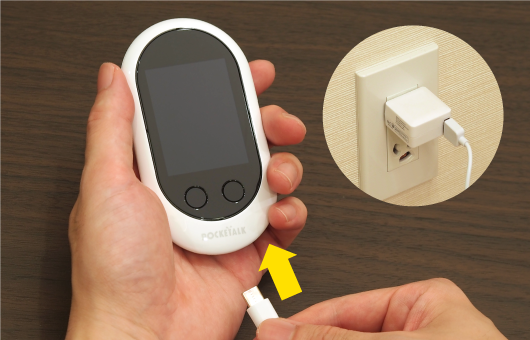
Pocketalk – Convenient fast charging, durable battery helps you use it all day long without interruption
Power on
Press and hold the power button to activate, then press normally to turn on and off. If you don't use it for a long time, press and hold to turn off the power to save battery. (The first time you turn on the power, the system settings screen is displayed.)
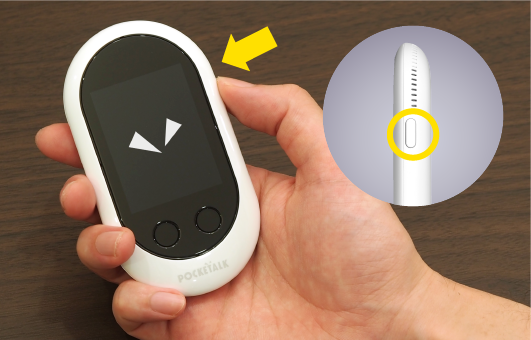
Pocketalk – Simple one-button operation, easy to control and instant translation for all users
Press and speak
To translate, press and hold the button where the language you want to speak is displayed, speak when you hear a click, and release the button when you are done.
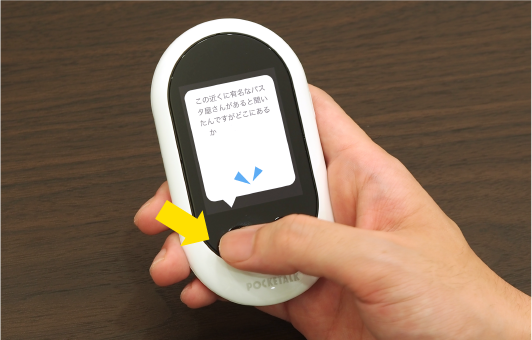
Pocketalk – Just press the button to translate instantly, fast operation and extremely easy to use
Select a language
To change the translation language, simply tap on the language name and select from the displayed languages. You can also tap the microphone icon to select by voice.
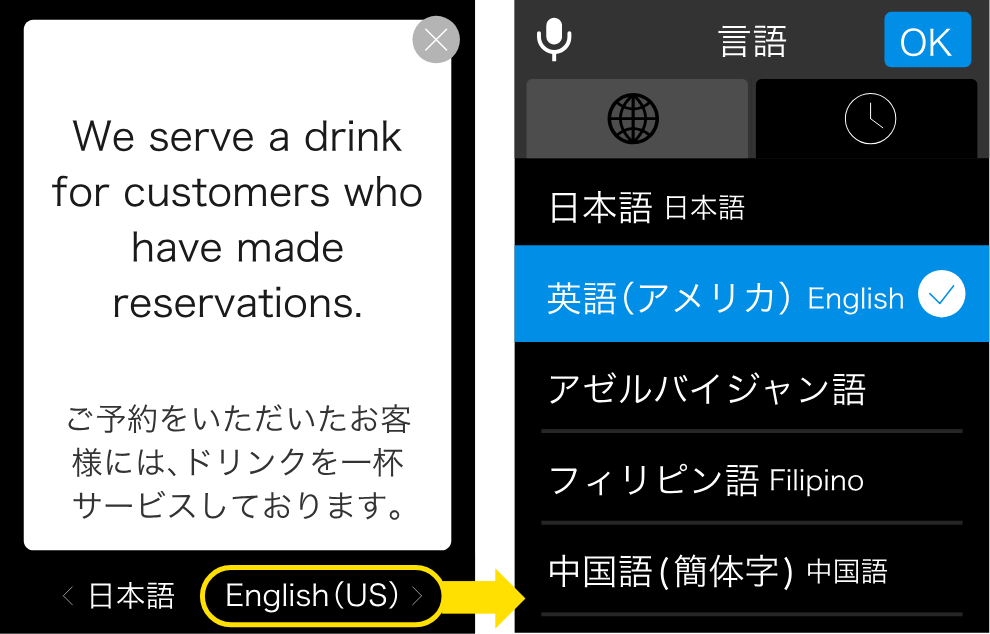
Pocketalk – Easily select and switch languages, supporting flexible communication with over 155 languages worldwide
Easy Setup
SettingsPokeTalk Wis very easy. You tap the hamburger menu (three horizontal lines) in the upper left of the screen and select from the menu that appears.
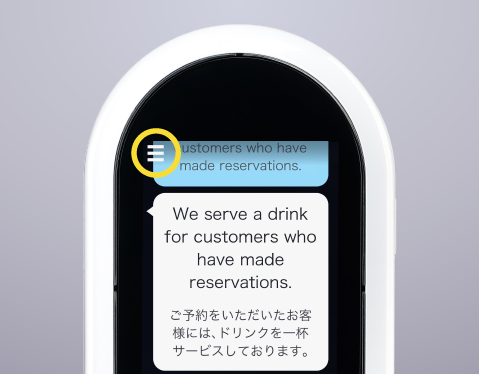
Pocketalk – Displays clear, easy-to-read translations, helping you understand and respond quickly in any situation
Useful Functions
Automatically displays local time with the Pocketalk translator
The newly installed lock screen will automatically display the local time and the time of the country (region) you were in previously. You can use it by updating the software (update).
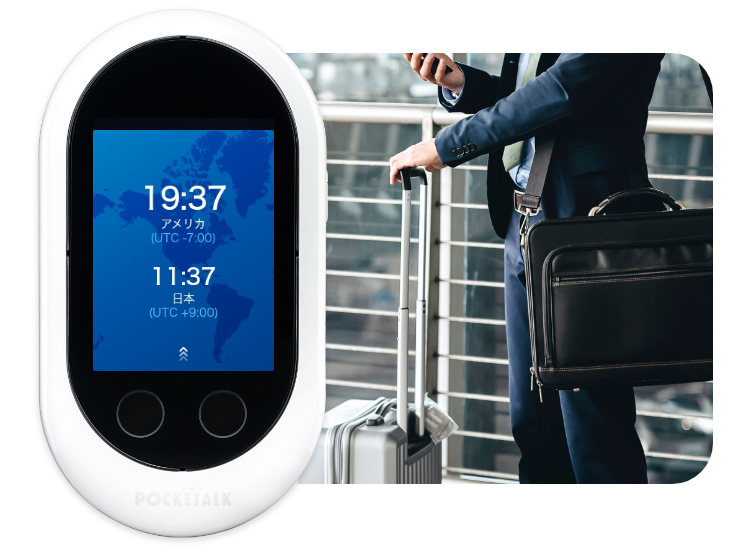
Pocketalk – Integrated international time zone display, helping you manage time and travel globally more conveniently
Can be displayed on PC or tablet
PockeTalk W's translation results are stored in the POCKETALK Center on the cloud as well as the main unit in real time and can be displayed on a browser. For example, you can copy and edit text on a computer and project it onto a screen. Use the QR code displayed by selecting POCKETALK Center from the menu. You can save up to 10,000 translation histories at the POCKETALK Center without any restrictions.
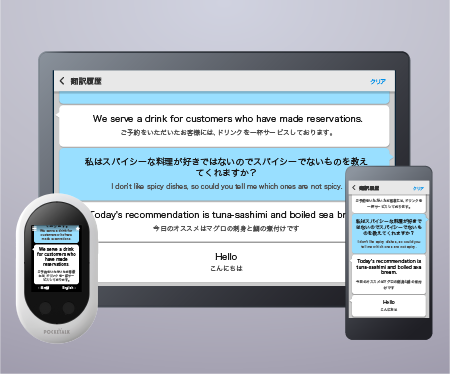
Pocketalk – Save and review conversation history, helping you easily look up translated content anytime
Project onto a projector
- Hold bilingual speeches
- Meetings progress while confirming comments
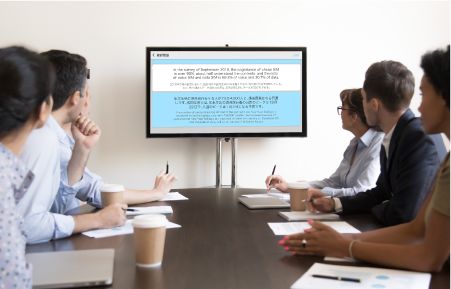
Pocketalk – Easily project translated content onto a screen, supporting bilingual meetings and professional presentations
A collaborative learning app that can be used for free
SourceNext provides free Rosetta Stone "POCKETALK Link" learning content that allows you to practice pronunciation using a PC or smartphone. Using the translation results from the POCKETALK Center as teaching materials, the pronunciation judgment function of the global language software "Rosetta Stone" allows you to immediately know whether your pronunciation is correct or incorrect, and you can practice pronunciation effectively.Available in 13 languages. There is also a dictionary function (English-Japanese) that allows you to search for detailed descriptions of English words.Connect with other devices
Use your smartphone by tethering (pairing)
For example, to use your smartphone as a router, select Wi-Fi on the settings screen, select your smartphone from the displayed connections, and enter the password.
Pocketalk – Quick connection to other devices, flexible sharing and use in all situations
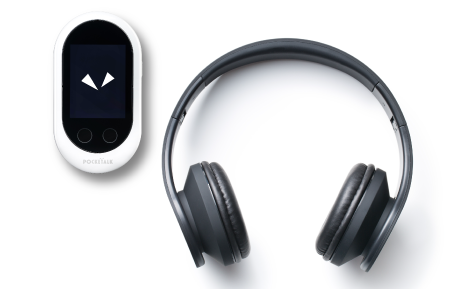
Use Bluetooth headphones or speakers
On the settings screen, tap the Bluetooth icon and set the switch to “ON”. When the device to be used is displayed in “Available Devices”, tap the device to use it.
Pocketalk – Easy Bluetooth headphone connection, helping you hear translations more privately and clearly
PockeTalk translator is designed for unique dedicated comfort
Can be used in crowds
PockeTalk is equipped with dual microphones with noise cancellation and two 1.5W speakers. You can talk comfortably even in a crowd.
Can be used continuously for 7 hours
A large battery can be used for approximately 7 hours on a full charge. It's convenient because you can use your smartphone while doing other things.
PockeTalk translator with eSIM can be used for 2 years free of charge
is the PokeTalk eSim version translator, which comes with an international SIM from Japan's docomo company and can be used for 2 years in 133 countries and regions.
PokeTalk WYou can use it for 2 years in the area you visit without incurring any costs for purchasing a SIM or mobile data for use.Pocketalk – Stable 4G connection helps you translate quickly anytime, anywhere without relying on WiFi.
The translator product is popular and well-received in the market. What are you waiting for? Buy the product now at
The translator product is popular and well-received in the market. What are you waiting for? Buy the product now at Sahaha Hanoi StoreandSahaha Ho Chi Minh Store. Contact us now, Hotline:0386.001.001or.json[0974.051.444 for more detailed advice.
Technical specifications
| Color Version | White / Black / Yellow-Red / Rose Gold |
| Popular function series |
|
| Dimensions / weight / display |  |
| Number of languages for voice translation | Translate to voice and text in 55 languages and text in 19 languages |
| Microphone/Speaker | 1.5W x 2 speakers / Dual microphones with noise cancellation |
| CPU | ARM Cortex53 Quad-Core 1.3GHz |
| Operating System | Custom OS for Android 8.1 |
| Memory | ROM 8GB / RAM 1GB |
| Charging Port | USB Type-C, Input voltage: 5V / input current up to 2A |
|
Battery
|
2200mAh Lithium-ion
|
| Android | Bluetooth 4.0 |
| Built-in eSIM |
|
| SIM Card Slot | nano-SIM |
| Data Transfer Method, Applicable frequency bands |
|
| Compatible frequencies Wi-Fi |
|
| Operating environment |
|
| Full package includes |
|
Similar products
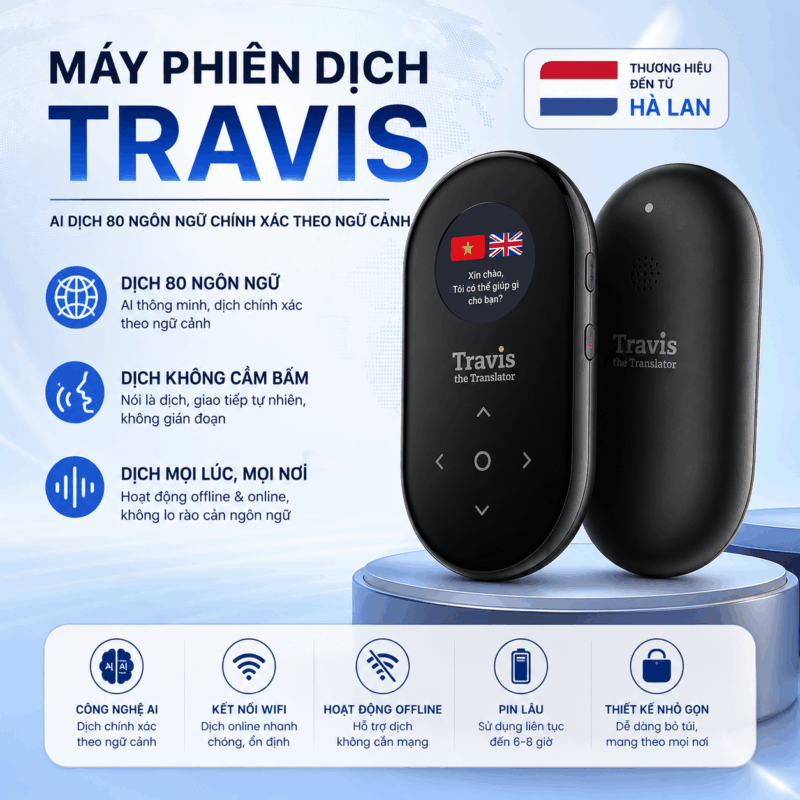
Brand :
Warranty:
1.990.000 ₫
Đã bán: 687
-23%
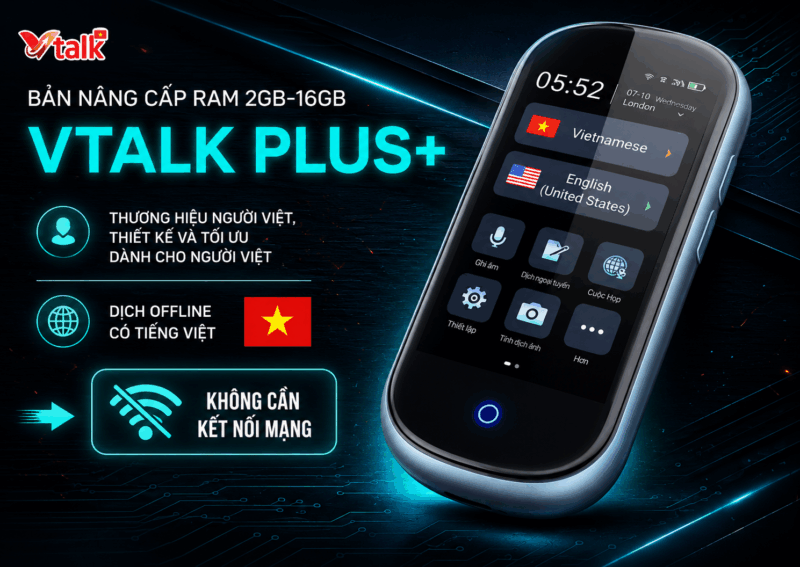
Brand :Vietnam
Warranty:12 months
137 languages
FREE Shipping
FREE Shipping
Vietnamese Brand, Designed and Optimized for Vietnamese People Translate 108 Languages Instantly, Two-Way Parallel Translation Translate via images. Conference Translation, Audio Translation, Group Translation
Original price: 6,500,000 ₫.4.990.000 ₫Current price: 4,990,000 ₫.
Đã bán: 710
-14%
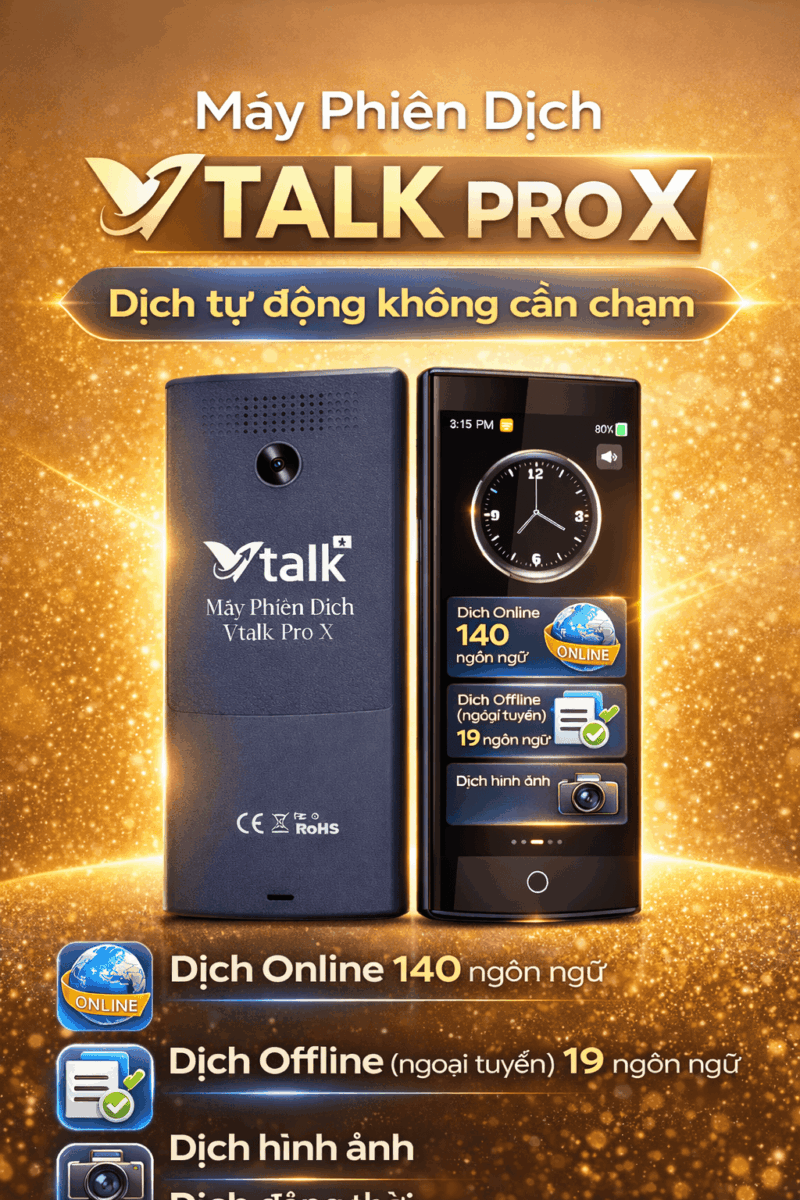
Brand :
Warranty:
Original price: 6,990,000 ₫.5.990.000 ₫Current price: 5,990,000 ₫.
Sold: 661
-35%
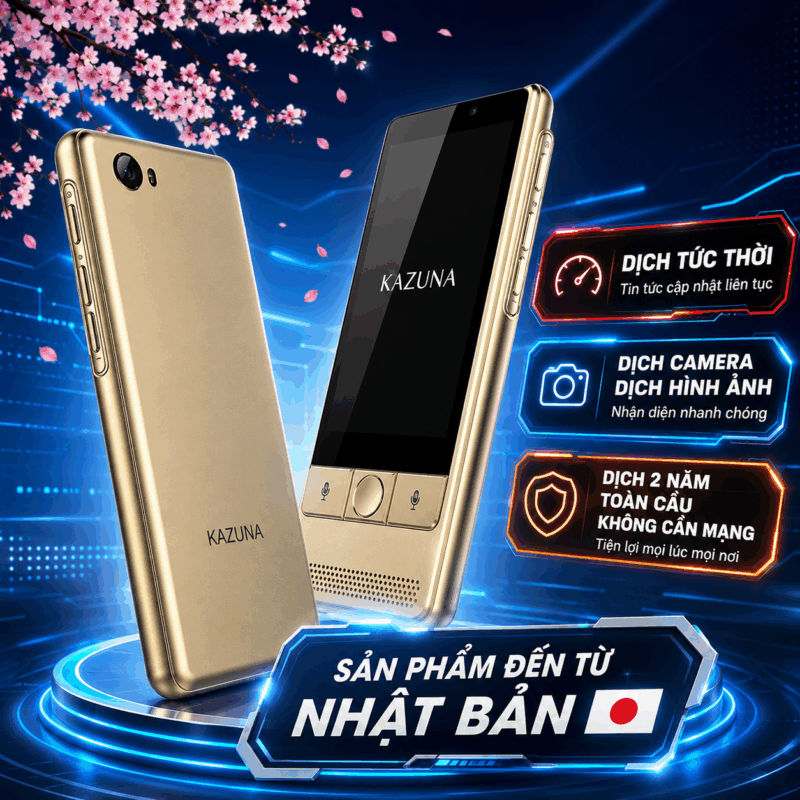
Brand :
Warranty:
Original price: 4,590,000 ₫.2.990.000 ₫Current price: 2,990,000 ₫.
Đã bán: 707
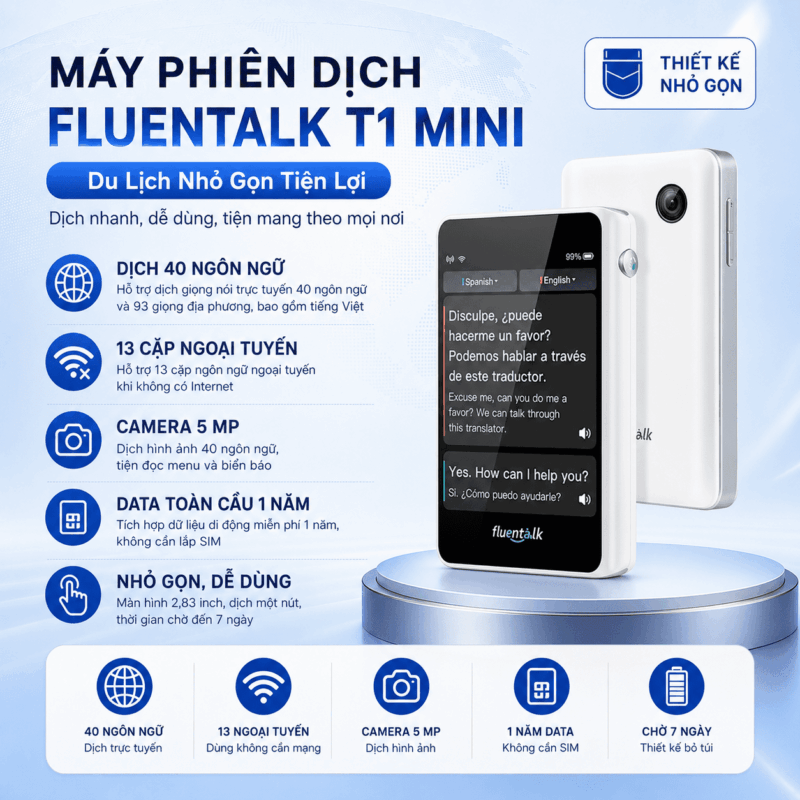
-11%
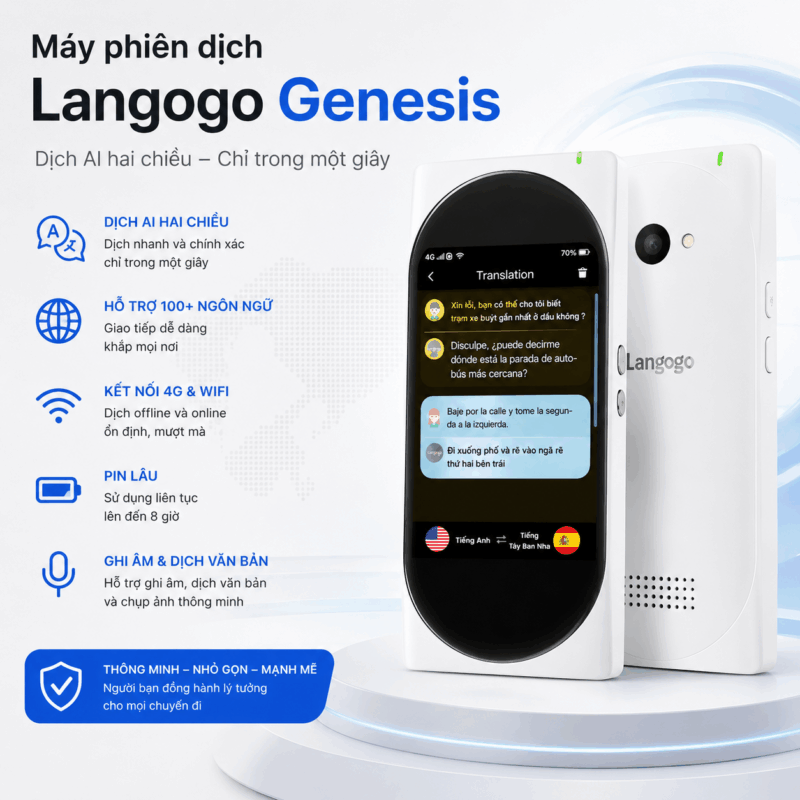
Brand : Langogo
Warranty:12 months
Free Shipping
Original price: 8,990,000 ₫.7.990.000 ₫Current price: 7,990,000 ₫.
Sold: 658
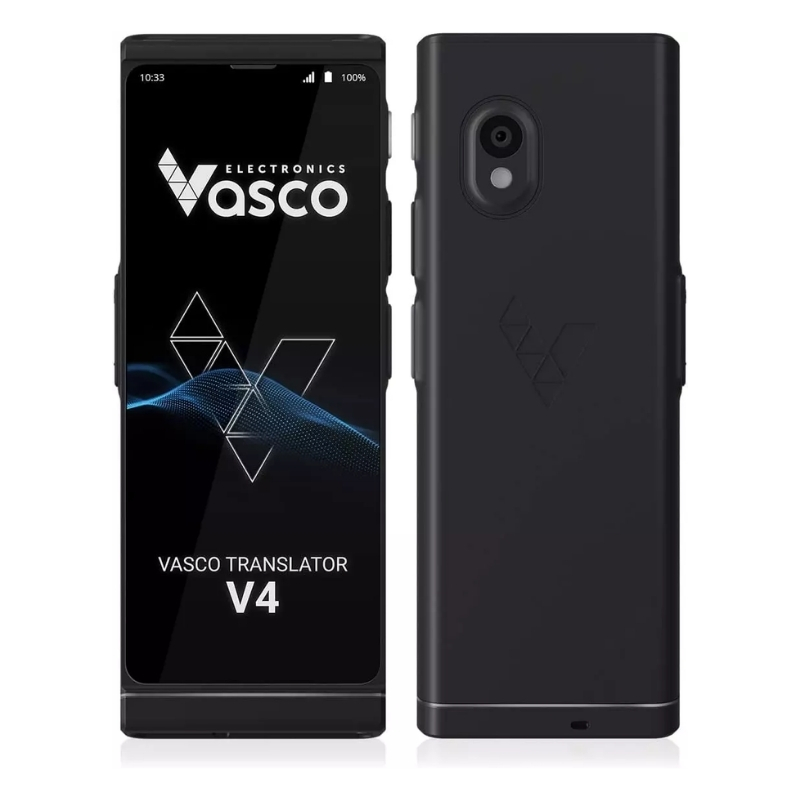
-20%
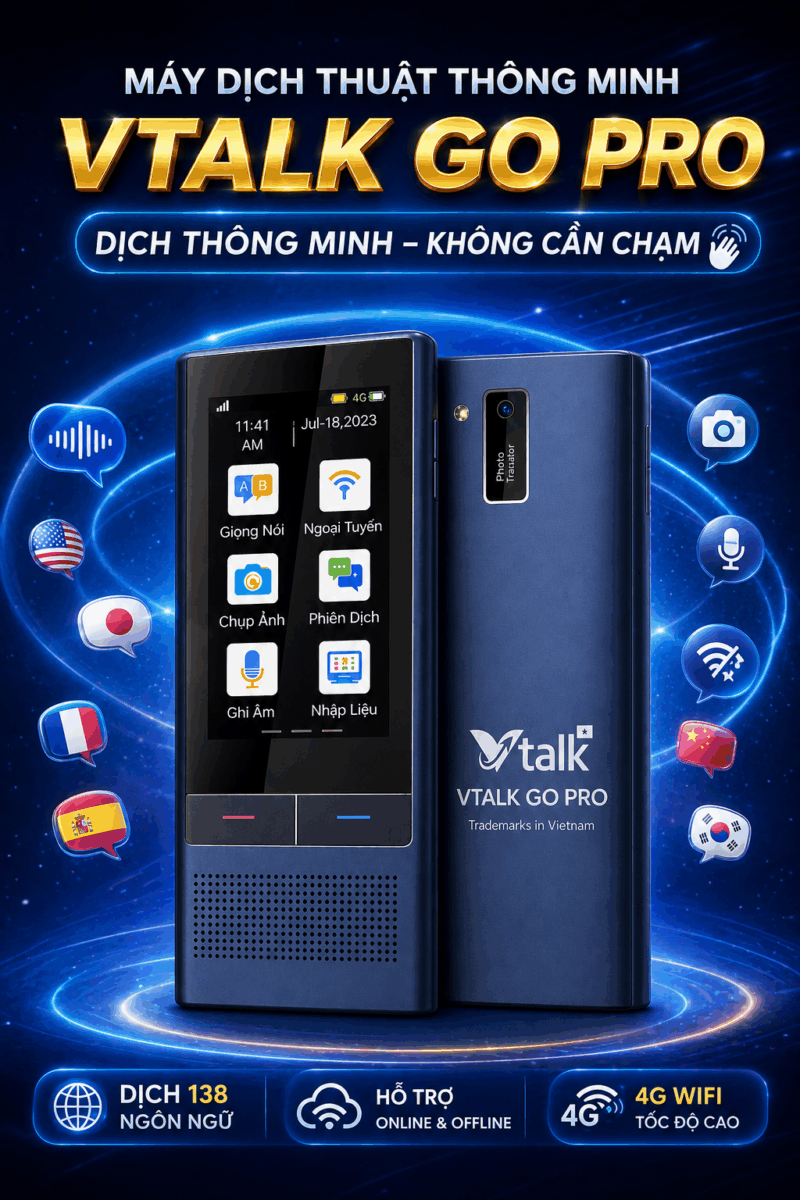
Brand : VTalk
Warranty:12 months
Free Shipping
Original price is: 4.990.000 ₫.3.990.000 ₫Current price is: 3.990.000 ₫.
Sold: 681