
 English
  Tiếng Việt
Translation devices are increasingly becoming powerful tools for anyone who needs to communicate with foreigners. With their ability to translate quickly and accurately, translation devices offer great convenience in work and daily life. However, for beginners, using a translation device can feel unfamiliar and confusing. In this article, we will provide a detailed guide on how to use a translation device most effectively, helping you make the most of its capabilities.
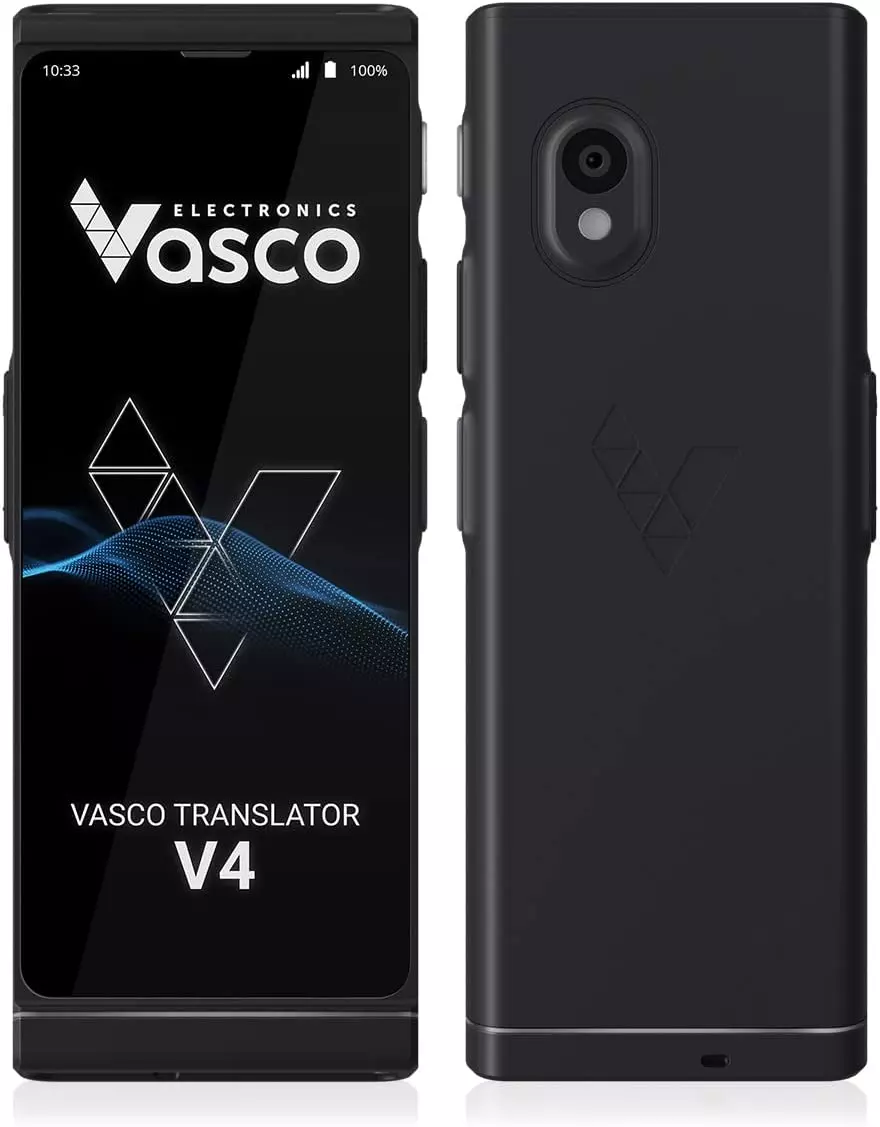
VASCO TRANSLATOR – the easiest translation machine for beginners
1. What is a Translation Device?
A translation device is a high-tech device designed to help users translate different languages in real time. It can convert a user's speech from one language to another, helping users communicate more easily in international situations. Modern translation devices not only translate between languages but also support many features such as voice recognition, text translation, and connection to online translation applications.
2. Benefits of Translation Machines
Translation devices offer many clear benefits:
- Time-saving: You don't need to manually search for vocabulary or translated sentences. A translation device helps you translate quickly in seconds.
- Facilitates communication: Especially useful when you travel or work in an international environment, a translation device helps you communicate without language barriers.
- Accurate and convenient: Modern translation devices have the ability to recognize speech and convert words accurately, helping to minimize errors in the translation process.
3. Popular Types of Translation Devices
There are many types of translation devices on the market today, each with its own characteristics and features. Here are some popular types of translation devices:
- Handheld translation devices: These are easy-to-use and compact translation devices, easy to carry when traveling or on business.
- Offline translation devices: These translation devices can operate even without an internet connection, which is very convenient when you travel to areas without network access.
- Smart translation devices: This type of device not only translates languages but can also connect to phone applications to translate text or perform other tasks such as looking up information or finding directions.
4. How to Use a Translator Device for Beginners
If you are new to using a translator device, don't worry! Here are simple steps to help you get started with this device.
Step 1: Select the Language You Want to Translate
First, you need to identify the language you want to translate. Modern translator devices support many different languages, from popular languages like English, Chinese, Japanese, to less common ones. Make sure your translator device supports the necessary language.
Step 2: Connect to the Internet (If Needed)
Some translator devices require an internet connection to provide accurate translation data. If your device has this feature, make sure you are connected to a Wi-Fi network or mobile data. However, there are also translator devices that do not require an internet connection and can be used offline, which is very convenient when traveling to areas without network coverage.
Step 3: Start Translating
Once you're ready, simply turn on the device and start communicating. Speak clearly and slowly, ensuring your voice is recognized accurately. Some translator devices have an automatic language recognition function, so you don't have to select the language before each use.
Step 4: Check the Translation Results
When the translator device finishes translating, you will receive the results immediately. Read and check the translation results, ensuring they match the content you want to convey. If the device does not translate accurately, you can try again with different phrasing or check if there is an issue with the internet connection or microphone.
Step 5: Refine and Repeat If Necessary
If the translator device is not completely accurate, don't hesitate to refine and try again. Modern translator devices will often automatically improve their voice recognition and translation capabilities over time with use, so you will see the accuracy gradually increase.
5. Notes When Using a Translator Device
- Ensure clear audio: When using the translator, make sure you pronounce clearly and don't speak too fast so that the device can accurately recognize your voice.
- Check supported languages: Not all translators support all languages. Before using, check if the device supports the language you need.
- Use the translator for short conversations: Translators are very useful in short conversations; however, with complex conversations, the device may sometimes struggle to translate the correct context.
- Update software regularly: Some translators have software updates. Regularly update the software to improve performance and more accurate translation capabilities.
6. Conclusion
A translator is a great tool to help you overcome language barriers and communicate effectively with foreigners. Whether you are new to using a translator or already familiar with this technology, the guidelines and tips in this article will help you use the translator optimally. Try using a translator in your work, travel, or daily communication to experience the convenience and effectiveness it brings!