
 English
  Tiếng Việt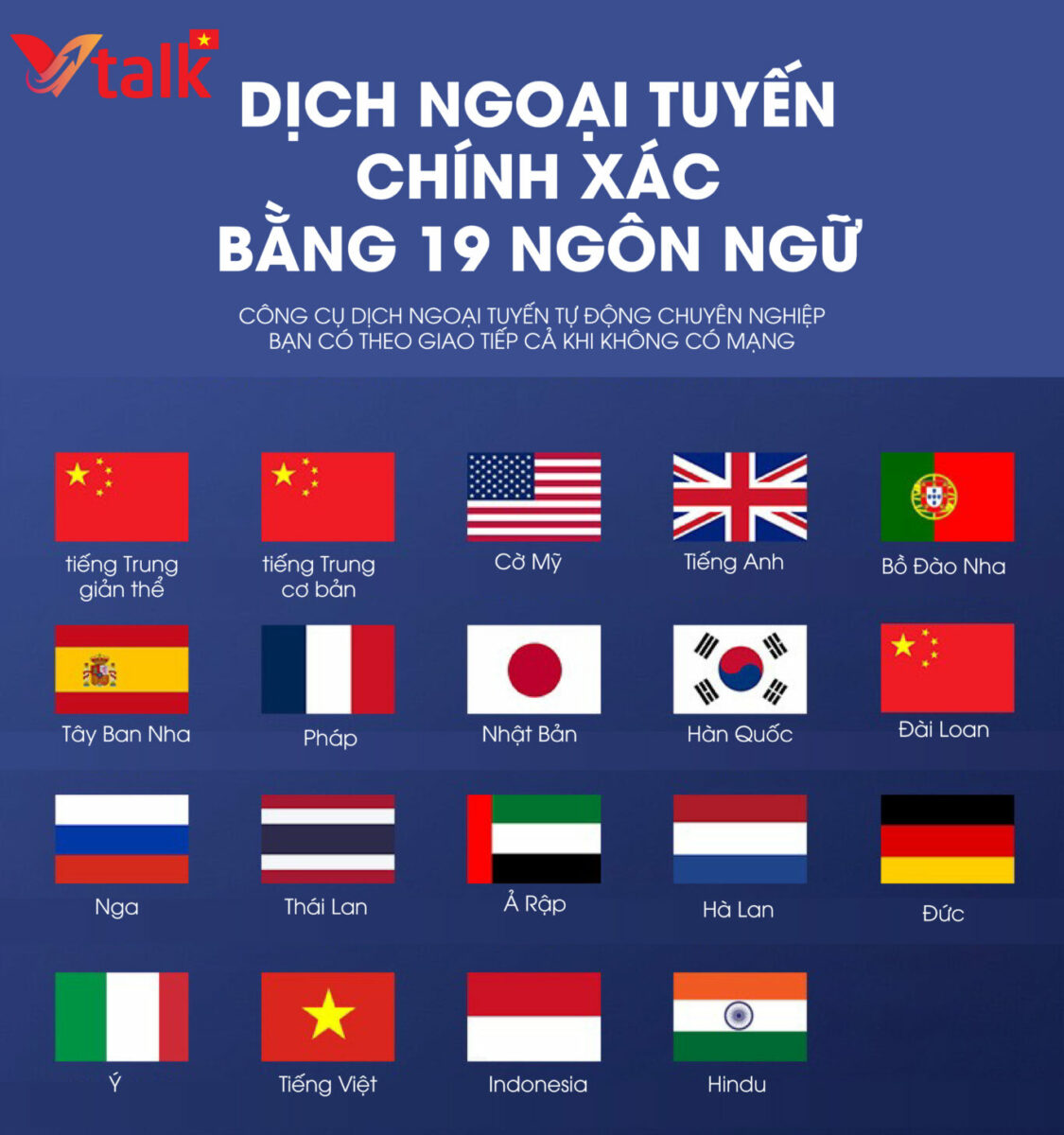
Translation machines have become a powerful tool in international communication, especially with the strong development of artificial intelligence (AI) and deep learning (Deep Learning) technology. However, like any technological device, translation machines can also encounter errors that annoy users. In this article, we will analyze common errors on translation machines and provide tips to help you use this device most effectively.

VTALK PLUS+ is the translation machine with the fewest errors today
1. Common Errors on Translation Machines
Translation machines, whether high-end or popular models, may encounter the following problems:
Incorrect Semantic Translation Error
- Error description: Translation machines sometimes provide inaccurate semantic translations, especially when encountering ambiguous or metaphorical sentences.
- Cause: The AI system has not fully recognized the context or lacks necessary language data.
Voice Recognition Failure
- Error description: The machine cannot recognize the user's voice or misidentifies words.
- Cause: Voice is affected by environmental noise, unclear pronunciation, or poor voice processing system.
Unstable Internet Connection
- Error description: Some translation machines require an internet connection to function, and losing connection will lead to interruptions in the translation process.
- Cause: Wi-Fi or mobile data connection is not strong enough.
Hardware Error
- Error description:The device is not working, cannot be turned on, or has issues with the microphone and speaker.
- Cause:Hardware damage due to impact, manufacturing defects, or device lifespan.
Short Battery Life
- Error description:The device runs out of battery quickly, causing interruptions during use.
- Cause:Poor quality battery or improper charging.
2. Tips to Fix Translator Errors
To solve the above problems, you can apply the following tips:
Fix Semantic Translation Errors
- How to fix:
- Use simple language, avoid complex or metaphorical sentences.
- Check and update the software to ensure the device is equipped with the latest language database.
- Combine the translator with other translation support applications to check accuracy.
Improve Voice Recognition
- How to fix:
- Ensure a quiet environment when using the translator.
- Speak clearly and slowly so the machine can recognize accurately.
- If the error still occurs, check the microphone and ensure it is working properly.
Solving Internet Connection Problems
- How to fix:
- Use translator devices with offline translation capabilities.
- Check Wi-Fi or mobile connection before use.
- Install additional apps that support offline translation for use in case of no internet.
Troubleshooting Hardware Errors
- How to fix:
- Store the device in a dry place, away from strong impacts.
- Take the device to an authorized service center for repair if a hardware error is detected.
- Regularly check the device to detect and fix problems early.
Extend Battery Life
- How to fix:
- Charge the battery correctly, avoid overcharging or letting the battery completely drain.
- Use power-saving mode if available.
- Turn off the device when not in use for a long time.
3. Tips for Effective Translator Device Usage
In addition to troubleshooting, you need to apply the following tips to use the translator device optimally:
Understand the Device's Functions
- Learn and familiarize yourself with the features of the translator device before use.
- Read the user manual carefully and refer to online tutorial videos if needed.
Choose the Right Device for Your Needs
- If you frequently travel or work in areas without internet access, choose a translator device that supports offline translation.
- For professional meetings, it is advisable to choose high-end models with better contextual translation capabilities.
Regular Software Updates
- Make sure your device is always running on the latest software version to optimize performance.
Regular Maintenance
- Clean the device and check components such as the microphone and speaker to ensure they are working properly.
- Store the device in its dedicated case when not in use to prevent damage.
Combine Other Technologies
- Use translation apps on your phone like Google Translate to support the translator device.
- Connect the device with other smart devices like wireless headphones to enhance the experience.
4. Benefits of Using a Translator Device Effectively
When using a translator device optimally, you will gain the following benefits:
Save Time
A translator device quickly converts languages, helping you communicate effectively without needing an intermediary.
Enhance Communication Quality
Using a translator device correctly will ensure accurate content delivery, minimizing misunderstandings.
Increase Professionalism
In situations such as conferences and negotiations, effective use of a translation device will help you impress your partners.
Conclusion
Translation devices are an indispensable tool in the era of globalization, but to use them effectively, you need to understand common errors and how to fix them. At the same time, applying tips to optimize performance will help you maximize the potential of this device. With the above guidelines, we hope you will have a better experience using translation devices, serving your work and daily life well.