
 English
  Tiếng Việt
 Mini translation devices are becoming useful tools for those who frequently communicate in multiple languages. However, for the device to operate most effectively and accurately, updating the software is an indispensable step. So, when should you update your translation device's software to optimize performance? This article will provide detailed answers and useful tips to help you use your mini translation device most effectively.
Why is software update needed?Mini Translator?
Improve accuracy
- Add new vocabulary: Language is constantly evolving, and software updates help the device add new vocabulary, specialized terms, or improve translation context.
- Improve AI processing capability: New software often integrates improved AI algorithms, enhancing recognition and translation accuracy.
Add language support: Some software updates provide support for many new languages, expanding the device's usability.
Software bug fixes: Fix current errors: If you encounter problems such as incorrect translation, connection errors, or slow speed, updating the software can resolve these issues.
Improve device performance: Software updates help optimize the machine's performance, reducing lag or slow response.
Enhance security: Protect personal data: New software often comes with security patches to protect the device from network threats.
When to update softwareMini Translator?
When the manufacturer announces an update
- Notifications via app or email:Manufacturers often announce new versions, along with details about new features or bug fixes.
- Note:Periodically check the manufacturer's official app or website to not miss important updates.
When device performance degrades
- Incorrect or slow translation:If the translator starts translating inaccurately or takes too long to process, it could be a sign that you need a software update.
When a new language is needed
- Some updates provide support for new languages. If you plan to use a language that was not previously supported, check for a software update.
When encountering errors or issues
- Connection error:The device cannot connect to Wi-Fi, SIM, or Bluetooth.
- Display error:Incorrect screen display or illogical translation results.
- In these cases, a software update is often an effective solution.
When preparing for an international trip
- If you are traveling to a new country, check and update the software to ensure the device can accurately translate languages and update local data.

How to update mini translation device software
Check for updates
- Access the app: Open the translation device's companion app on your phone to check the software version.
- Connect to Wi-Fi: Ensure the device is connected to the internet to download updates.
Download and install
- Perform the update: Follow the on-screen instructions to download and install the update.
- Ensure sufficient battery: The device needs at least 50% battery or should be plugged into a charger during the update process.
Restart the device
- After the update, restart the device to ensure all changes are fully applied.
Notes when updating translation device software
- Use a stable internet connection: Avoid updating when using a weak or unstable network, as this may interrupt the download process.
- Do not turn off the device during the update: Turning off the device or disconnecting during the update can cause software errors.
- Back up important data: If the device stores any personal information or settings, back them up before performing the update.
- Only use official update sources: Avoid updating from unknown sources: This can cause device errors or security issues.
Mini translation devices with good update support
1. Key features:
- Key features: Supports frequent software updates via Wi-Fi, integrated global SIM.
- Application: Suitable for frequent business travelers and international tourists.
2. Vtalk
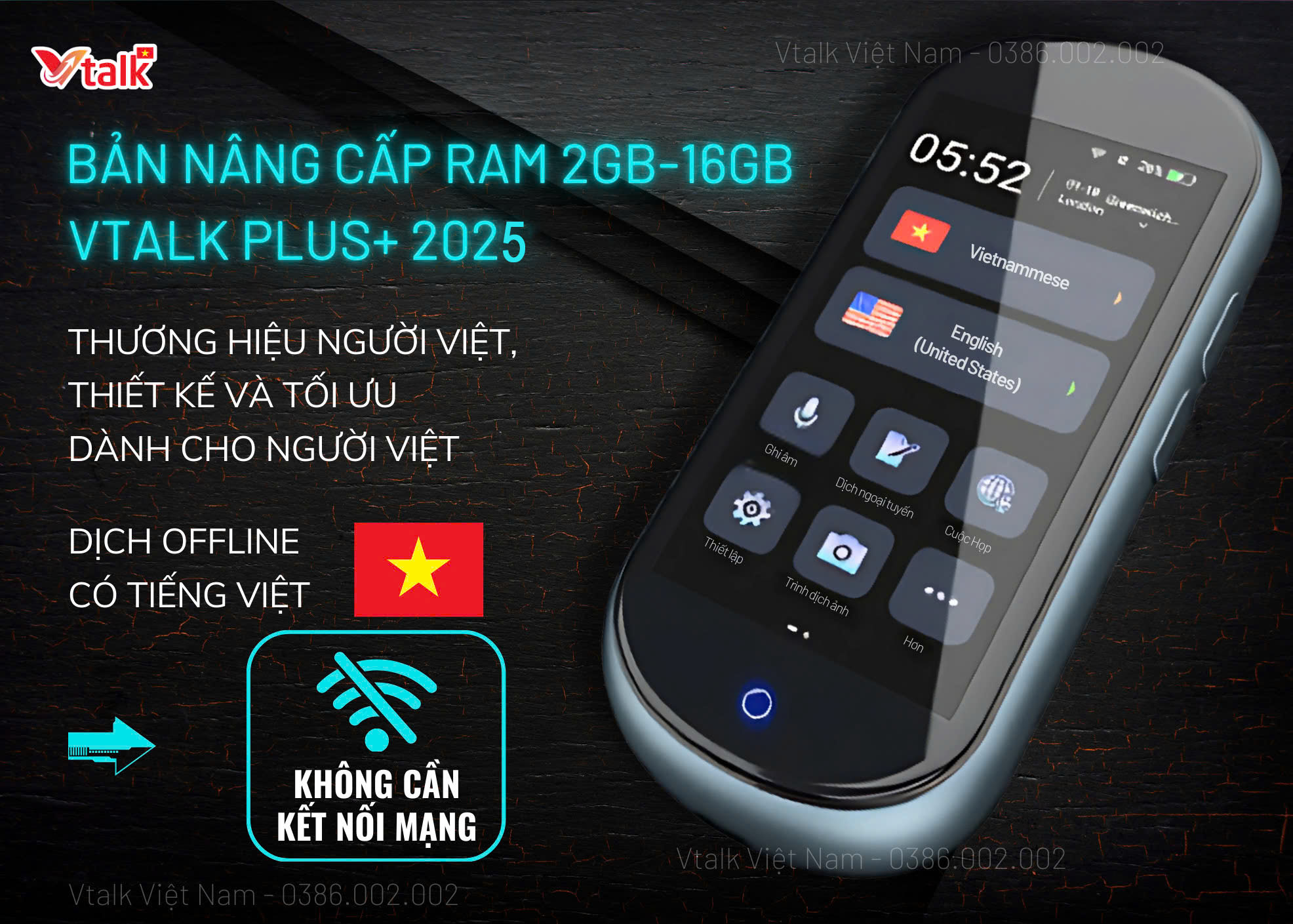
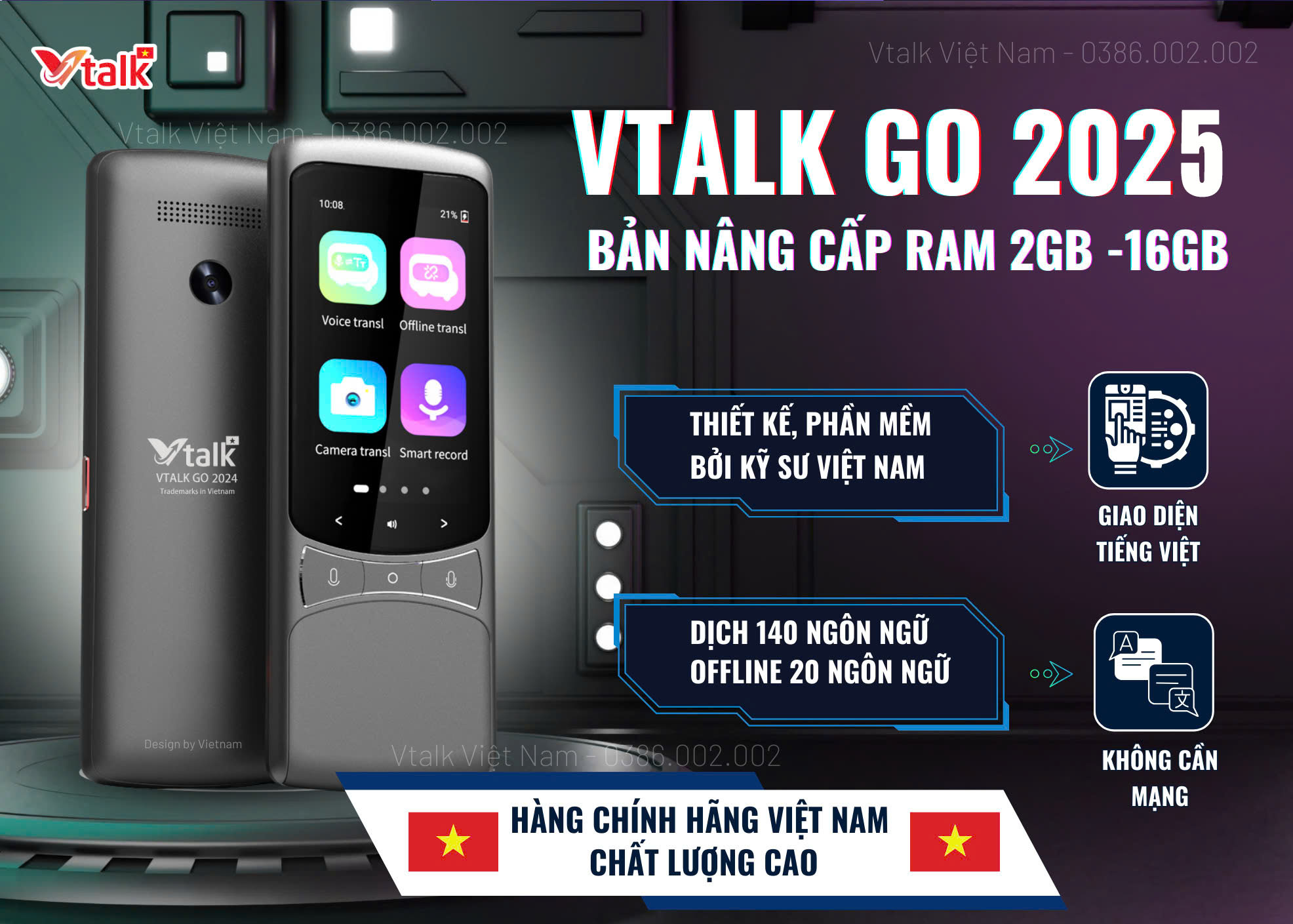
- Key features: Translates over 100 languages quickly, periodic updates to improve performance.
3. Langogo
- Key features: Supports offline updates via desktop application.
Benefits of updating mini translation device software
- Increased translation accuracy: Helps you communicate more confidently in international or multilingual situations.
- Optimized user experience: Intuitive interface, faster operation, and easier to use thanks to regular updates.
- Minimize errors: Bug fixes help the device operate more smoothly and reliably.
- Protect devices from security risks: Prevent cyber attacks or data theft risks.
Conclusion
Regularly updating the software for mini translator not only improves performance but also enhances the user experience. By checking and updating on time, you can rest assured that your device always operates stably, accurately, and securely. Make sure you always follow notifications from the manufacturer to make the most of the advanced technology that the mini translator offers!